
Busbar Machine Software: Test DXF Import, Licenses, and Recovery Before Acceptance
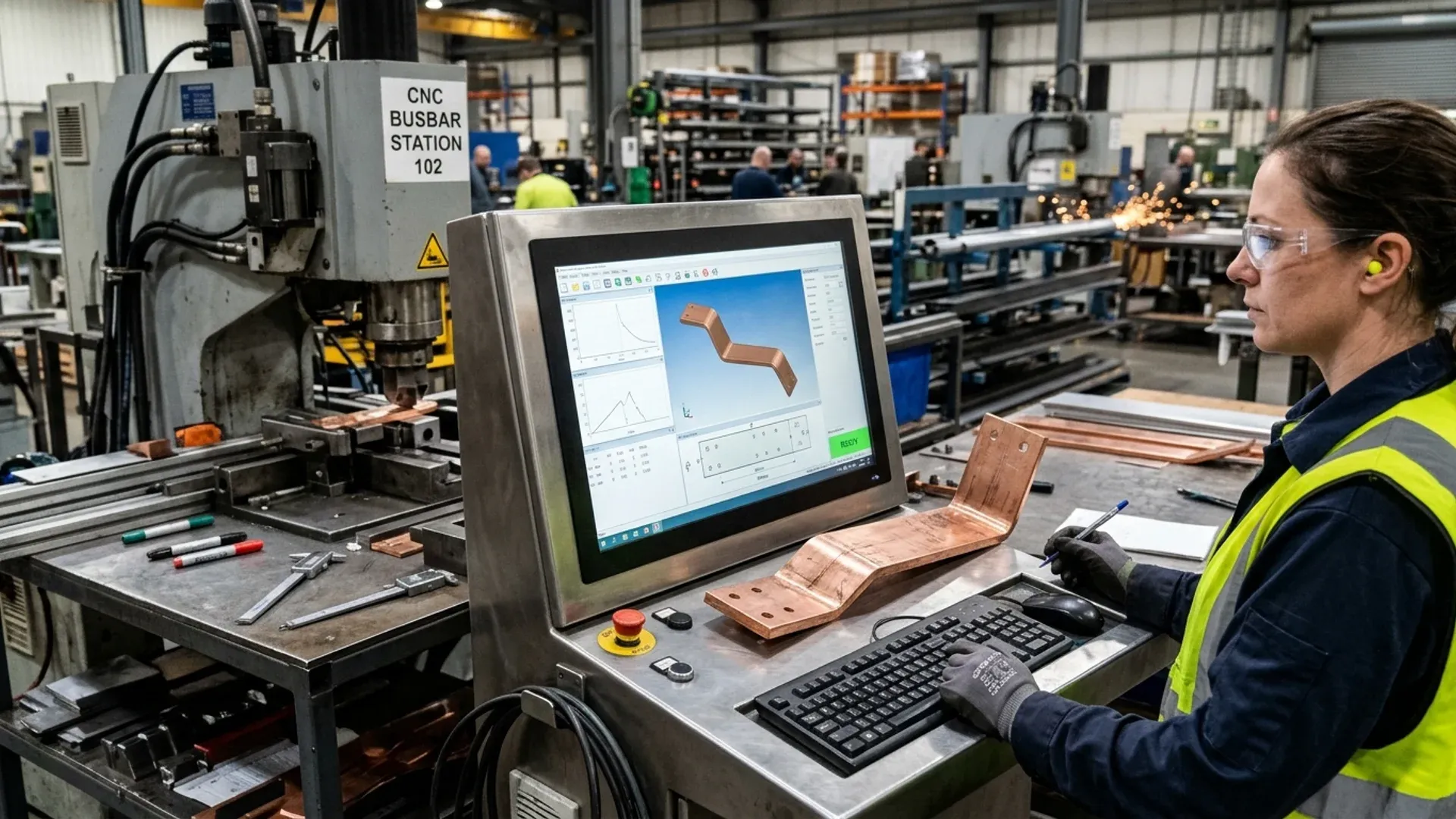
A DXF file can open cleanly and still produce the wrong part. A slot may arrive as a polyline, a mirrored bracket may import in the wrong orientation, or a drawing may be in inches while the controller expects millimeters. The preview looks plausible; the first bent part does not.
That is why a busbar machine software acceptance test should follow a buyer-owned job from file import to an accepted part, not stop at the file-open screen. Alongside that test, confirm who can use the software, on which computers and under which license terms. This exposes costs and dependencies that a feature list can miss.
Bring files the factory will actually use
Choose a repeat part, a more difficult geometry, a revised drawing and a mirrored variant if the shop makes handed parts. Keep the original files unchanged and record any cleanup performed during the demonstration. Otherwise a supplier can show a prepared file without revealing the work needed to prepare it.
For each file, provide the revision, units, material section and required features. If the package contains both a flat definition and a formed model, identify which controls the cutting and bending operations. A three-dimensional view can help explain a shape, but it does not settle the blank definition or bend instructions.
Time the work from receiving the original file to obtaining an approved program. Note manual re-entry, unsupported features and supplier assistance. Those tasks must be assigned to the buyer’s programmer, commissioning support or a separately priced service.
Test DXF interpretation with visible checks
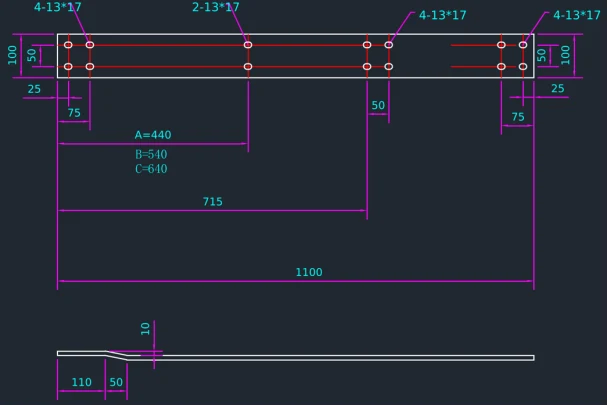
For busbar machine DXF import, agree the supported file versions and drawing entities first. Then compare the imported result with the controlled drawing.
| Check | A useful demonstration |
|---|---|
| Units and scale | Compare a known drawing dimension, such as 100 mm, with the imported value |
| Datum and orientation | Confirm the origin and distinguish the left-hand part from its mirrored partner |
| Mirrored or handed parts | Import the opposite hand and confirm the datum, bend direction and hole pattern |
| Feature recognition | Account for every required hole, slot and profile |
| Unsupported geometry | Show the warning or exception and the steps needed to resolve it |
| Tool assignment | Match the program to tools included in the delivered configuration |
| Revision identity | Trace the saved output to the correct input revision |
For busbar bending software, continue beyond the imported outline. Check the specified material and thickness, available tools and intended bend sequence against the sample job. Use a dimensioned drawing like the one shown here to inspect the geometry, then verify the quoted import and simulation functions through their own tests.
Where simulation is included, ask which movements, tools and machine features its model covers. Use the agreed physical sample inspection to confirm the finished part. A visually plausible model alone cannot verify every real-machine clearance or manufacturing result.
Put the software license into the quotation
Machine operation, office programming and network access can be separate purchases. For example, EHRT’s PowerCut and PowerBend offering describes software supplied with its respective machines, an office version and a network-license option, as published on EHRT’s site (checked October 2026). Those are EHRT’s published options; each supplier needs to identify its own delivered rights. DH CNC also supplies busbar processing equipment; the EHRT example illustrates one supplier’s published options, not a comparison of delivered rights.
Request a busbar machine software license schedule covering the version, machine and office seats, activation method, transfer conditions, updates and support. Separate the right to keep using an installed version from the right to receive later versions.
Resolve practical cases before acceptance: the office computer is replaced, the controller needs service, or the license service is unavailable. Establish the required steps, responsible party, likely interruption and any quoted charge. Do not assume that a backup of the programs also preserves the right to run the software.
For a DHAC-BB-H bending configuration, match the quoted software, tools and programming arrangement to the files used in the trial. Keep any excluded function or additional seat visible in the commercial schedule.
Restore a known job, not just a folder
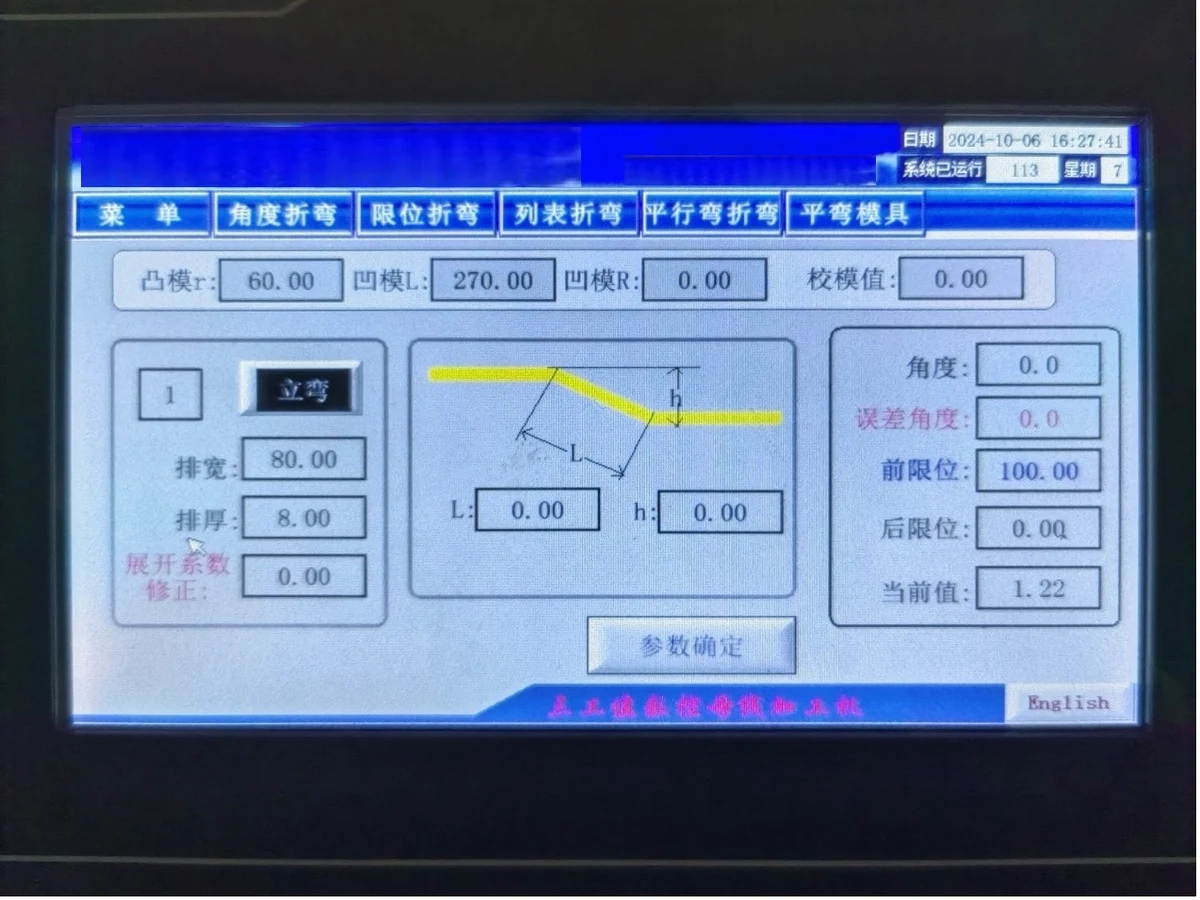
A recovery test should start with the delivered backup and written instructions in a supplier-approved test environment. Restore the agreed part programs, tool data, settings and dependencies, then open and verify a known job against its accepted configuration. Avoid destructive recovery trials on the live production controller.
Record which installers, activation steps and supplier assistance the procedure requires. Store credentials in the buyer’s secure handover channel, separate from general acceptance records. If only the supplier can perform a step, identify the support route and response commitment.
A copied archive that cannot run in the supported replacement environment leaves recovery unfinished. So does a restored part program with a missing tool library. Close those gaps while the acceptance team and supplier are working from the same test case.
Keep the handover usable after commissioning
Retain the original input files, conversion notes, accepted programs, configuration versions, sample results, license schedule and recovery instructions together. Give each unresolved exception an agreed remedy before closing acceptance.
Attach the software scope to the machine RFQ specification. If production orders or results must move to plant systems, define that interface separately using the MES integration guide.
Close acceptance only when the buyer’s programmer can repeat the same import, program and recovery on the delivered system without supplier assistance. If that cannot be demonstrated, keep the exception on the acceptance list and agree who pays for the workaround. A supplier that needs remote help for every new drawing has not delivered a usable workflow, even if every feature appears in the quotation.
Frequently Asked Questions (FAQs)
Does DXF support mean a machine will import every drawing correctly?
No. Confirm supported file versions, units and geometry, then test buyer-owned files through the complete programming workflow. Unsupported features should produce a clear result rather than being silently discarded.
Is an office programming license normally the same as the machine license?
Do not assume that it is. Ask the supplier to list machine, office and network rights, seat counts, renewal terms and transfer conditions separately in the quotation.
What should a software backup acceptance test prove?
It should prove that the agreed programs, tool data, settings and required dependencies can be restored using the delivered procedure. Merely copying files does not demonstrate a usable recovery.
DHAC-BB-H Servo-Hydraulic Busbar Bender
Discover details, parameters, standard dies packages, and factory quotes.